Blog
CAD Services: Building Information Modeling: How Do You Benefit from It?
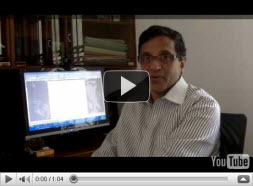
February 6, 2010 on 4:16 pm | In Articles | No CommentsThere’s a lot of buzz in architectural services about Building Information Modeling (BIM). In my opinion it’s necessary for all practices to use it but alas, only about 20% do (according to opinions on a dedicated group on LinkedIn). If you feel your concept of BIM is incomplete, listen to the 4-minute video below, then, after a week or so, to its concluding part.
Let me know if there are specific details you need explained in the second video other than the planned subjects mentioned in this one.
To your brilliant designs,

Drafting Services: 3-D Visualization and Render Farms
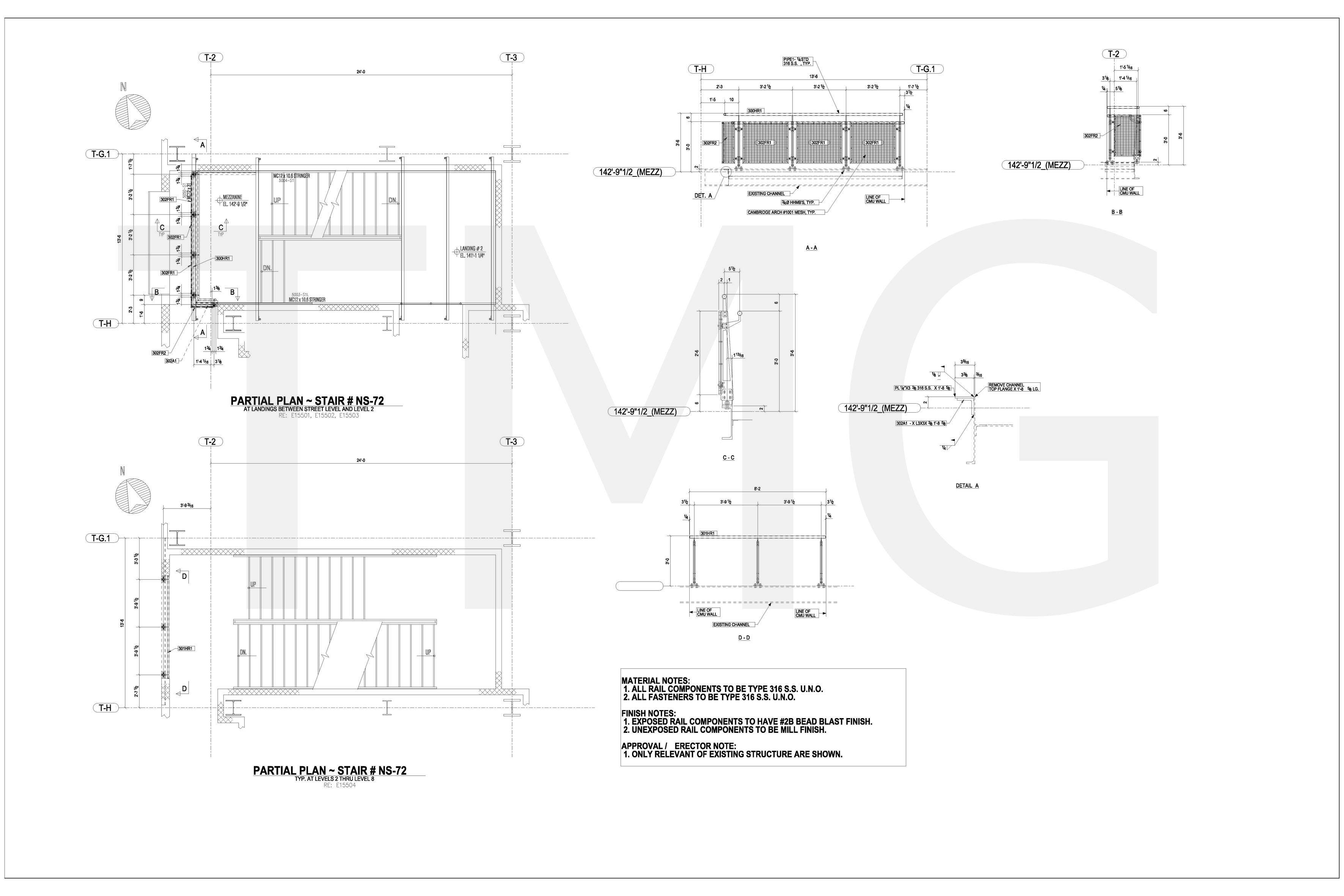
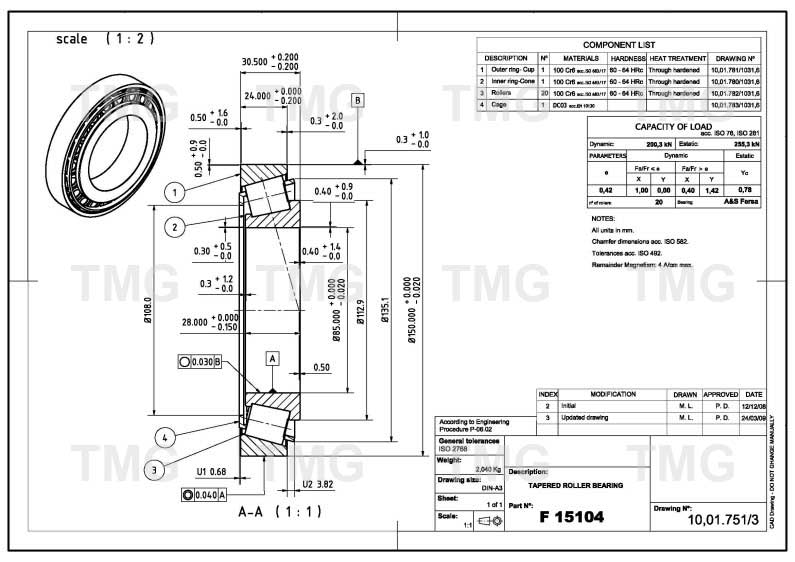
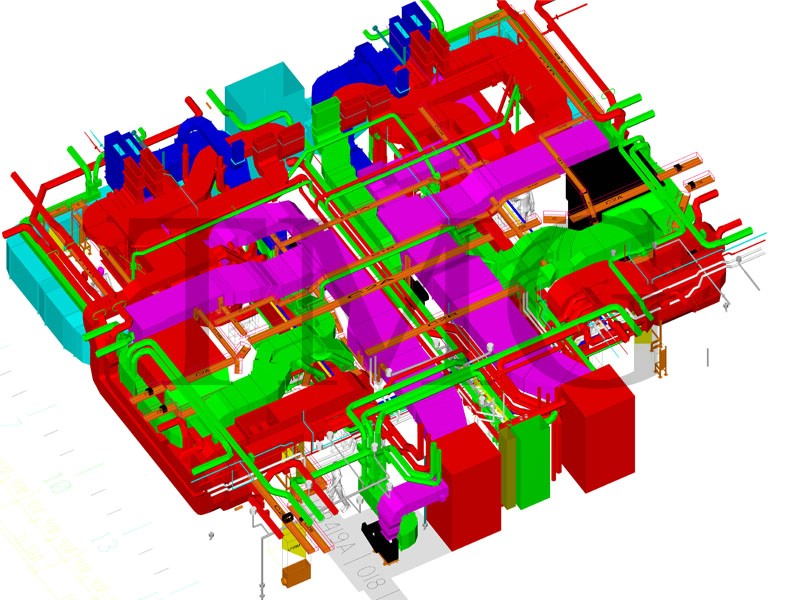
December 9, 2009 on 4:11 pm | In CAD News | No CommentsThe term “drafting services” encompasses several activities. Examples are 2D drafting, 3D drafting and 3D visualization. The subject of this article is 3D visualization, and some of the on-the-ground realities associated with it.
3D visualization is the creation of a computer-generated drawing which is remarkably lifelike, so lifelike that the viewer must wonder, “Is that a computer-generated drawing or a photograph?”
The process of 3D visualization creation can be broadly divided into two steps: model creation and rendering.
Model Creation
This entails creation in the computer’s memory of a 3D object that looks exactly like the target, real-world object. The 3D visualization expert uses one or more photographs of the object or perhaps 2D drawings of it as input information. Although the 3D visualization expert will inevitably have specialized drafting skills and spatial conceptualization ability of a high order, he can take hours, days or months to create the object depending on how much detail is in it.
The completed model typically looks totally gray; also, there is no light falling on it and it therefore generates no shadows. The surface colors, lighting and shadows are created in the second step, i.e. rendering.
Rendering
During this stage the 3D visualization expert specifies to the computer the surface finish of every part of the object as well as the intensity, color and position of the various lights that shine on the object. Examples of surface finishes (also called ‘textures’) would be “metallic red”, ‘beige linen” and “green moss”. Examples of lights would be “daylight”, “spotlight” and “directional light”.
Once the computer has texture and lighting information, it pastes the specified surface finishes onto the appropriate surfaces and places lights of the specified intensity and color at the positions decided by the 3D visualization expert. It then draws light rays from every light source to its final destination. A ray could travel from a spotlight to an object, then bounce off the object at the angle of reflection, hit another object, be reflected onto a third object, etc., losing intensity as it progresses along the path. When millions of light rays are drawn in this way, the result is a very realistic illumination of the object and its surrounds, complete with shadows and reflections (this is known as a ‘photorealistic rendering’).
As one might imagine, the rendering process consumes enormous computing resources due to the very large number of light rays that have to be drawn. To render one scene consisting of a house surrounded by vegetation can often10 hours or more on the fastest desktop. If animation has to be created, which usually calls for 24 images per second, a 10-second animation would comprise 240 images, and the time taken to render these images on the computer would be 240 x 10 = 2400 hours = 100 days! Most probably by this time the client who wanted the animation would have lost faith in the 3D visualization expert and moved on to someone else who could do the job faster.
Because of the long times taken for rendering, there was at one point a to drastically speed up the process. Software engineers found, in due course, a way of sharing the task of rendering between multiple computers. This concept did not imply that when 240 frames were required, each computer worked on a separate group of frames. It implied that even a single frame was worked on by the group of computers with a result that the rendering time for a single frame was less by orders of magnitude.
A group of computers that work together for rendering is known as a ‘render farm’.
It was often not feasible for drafting services to set up a render farm in their own office using five, 10 or more desktops. This constituted another need, one for rendering systems at low cost; and just as in the previous instance there was soon a solution: the online render farm.
Online Render Farms
As you may have guessed, an online render farm is a render farm that can be accessed on a chargeable basis from any Internet terminal. Because it is online it can be used by more people than an offline farm, making it all the more commercially viable than an offline farm.
But experience shows that it is not always a good 3D visualization solution. For the one part, it’s not as cheap as one would like it to be (experience leads one to believe it costs $1.50 per second of CPU time).
Another fact is that although most online rendering render farms have online speed calculators which tell you that what takes your desktop 10 hours takes them only minutes, when you actually send them something to render you can be in for a jolt. You have to take your place in a processing queue and wait your turn, and it can often take more than one and a half hours before your turn comes! Whither the time savings?
Conclusion
The motto of the story is not to think that an online render farm will solve all your computing resource problems as concerns 3D visualization. Apparently all the farms are overbooked at this time, and it will probably be some months before enough new farms come into being to reduce the average waiting time to a few minutes.
The ideal solution would be to either have a special arrangement with an online rendering render farm for a maximum waiting time guarantee, or to render jobs on your own render farm (which of course might be subject to investment constraints, which will limit the amount of equipment and therefore the complexity of the 3-D visualization jobs you can render).
The important thing is to embrace the render farm concept and customize a solution that works for you based on the above suggestions. Be assured that such a solution is indeed out there!
May you render in peace,

Indian Banks and Insurance Companies Squeeze IT Vendors
November 16, 2009 on 6:19 pm | In CAD News | No CommentsDuring the preceding months of 2009, when the growth of healthy companies outside India had slowed to around three or four percent annually, Indian IT companies were clocking up eight to ten percent. Why weren’t they hit as badly by the global recession? Because they turned their sights on the Indian market and, to their delight, discovered salubrious springs of business there. LARGE springs.
The Indian banks and insurance companies were major sources of the warm, mineral-rich water that the IT companies were relaxing in while the rest of the world moaned. But it seems that after a while, those same banks and insurance companies got wind of how important they were to the health of the IT companies, and they decided to leverage this.
The Indian banks and insurance companies are now knocking on the IT companies’ doors with a smile on their face saying, “Seeing that we’re giving you all this business and keeping you well-fed, and that without us you’d be up the you-know-what creek without a paddle, maybe you wouldn’t mind re-negotiating our contracts worth $800 million to provide one hell of a more services for the same money. If you say no, you might regret it.”
Knowing how things go in India, the IT cos will join their palms in a namaste, touch the feet of the clients and murmur, “Whatever you say… you are our friend, philosopher and guide.”
Let’s see how it pans out… I’ll keep you posted.
Cheers,
source: livemint.com